Almost there, one last step on your phone.
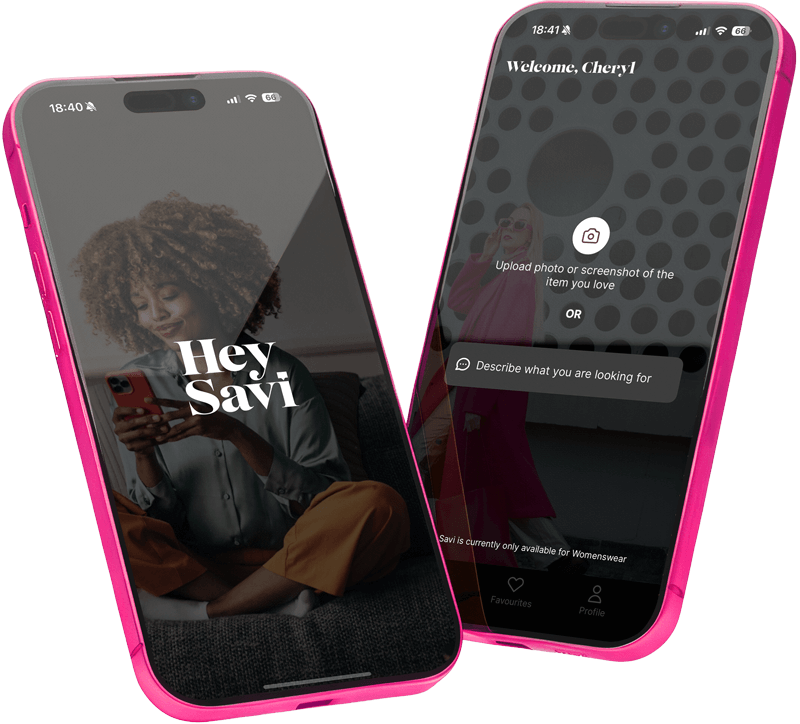
It looks like you opened your sign-in link on a laptop, but the Hey Savi app is installed on your iPhone. To finish signing in, please open the authentication email on your phone and tap the link there.
That link will automatically open the Hey Savi app and complete your sign-in. What to do next:
- Pick up your iPhone
- Open the email from Hey Savi
- Tap the sign-in link on your phone
Once you’ve done that, you’ll be logged in and ready to start shopping!
—
———